Your sources. Your data.
Multiple playlists, encrypted on your device only – no account, no source cloud, nobody watching. CoreMaster ships no content: you connect only your own sources.
XtreamXUI.One1-StreamM3UStalker
A private media player for your own, legally accessible sources – built for TV, phone and tablet.
No cookie-cutter player: every strength has a reason – and stays with you.
Multiple playlists, encrypted on your device only – no account, no source cloud, nobody watching. CoreMaster ships no content: you connect only your own sources.
Switch channels right in the running picture: up/down on the remote, P+/P− even via HDMI-CEC – or simply swipe on your phone.
Control bar on top, info line below: channel, resolution and codec always in view. White icons, a focus you can spot from across the room – and seeking right from the arrow keys.
One press on the trailer button: video files play in the built-in player, everything else opens reliably afterwards – no more hanging black screen.
Dark cinema look or bright daylight design – one switch in the settings, instant and app-wide. Both tuned by hand, no automatic recoloring.
Categories and channels automatically show their country flag – 120+ countries recognized. Finally some order in large playlists, at a glance.
Scan the QR on the TV, type credentials on your phone – one-time link, entirely on your home network.
Move sources & settings serverlessly to the next device – and throw movies from phone to TV.
Series memory across seasons – movies resume at the last minute. Even when streaming to another device.
A clear focus glow, one press of Back = one level, full-screen inputs without keyboard chaos.
Stays instant even with 100,000+ titles – with a glowing filter indicator and one-press exit.
Aspect ratio, seek steps, subtitle style – and hardware decoding with codec display for 4K.
A dedicated section with smart detection – assign categories yourself if you like. Its own history, strictly separate from live TV. Zapping included.
Press Home – the video keeps playing in a floating window on phones and tablets. Check your messages, the movie goes on.
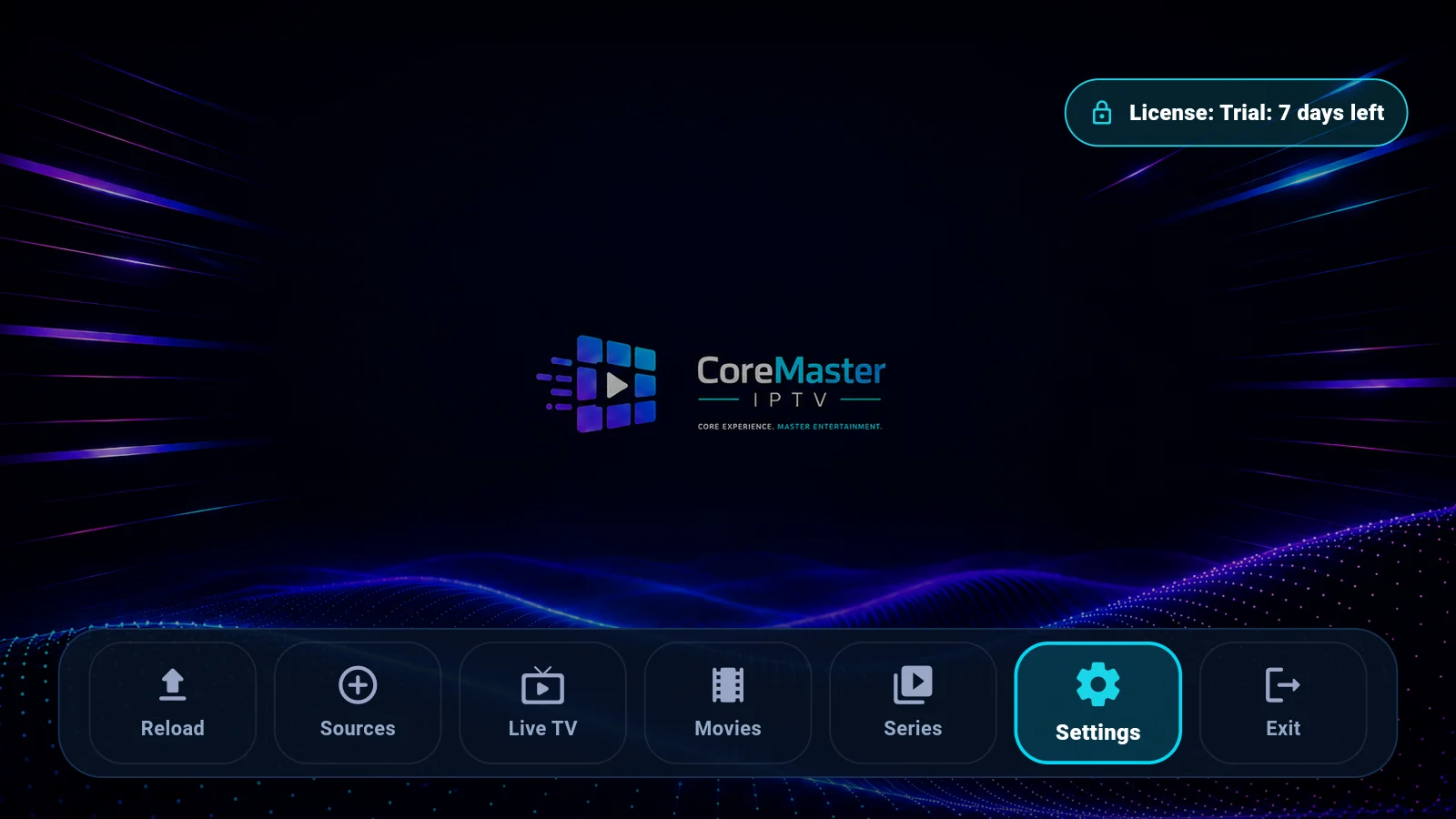
Real captures from CoreMaster IPTV – tap to enlarge.
The same clear interface on the big screen and on the go.
Every new device can test CoreMaster for 7 days.
How did you install CoreMaster?
For the Google Play version, purchase and license management run through Google Play in your Google account – simply tap “Activate” in the app.
Open Google PlayCoreMaster does not store playlist URLs, provider servers, usernames, passwords, EPG URLs or watch history on its servers.
Add your playlist or provider credentials directly on your TV, phone or tablet.
Credentials are kept in the protected storage of the device operating system.
The app connects directly to the source selected by the user.
CoreMaster processes device ID, trial period, license and payment status only.
Via Google Play – or as a direct APK for TV boxes without Play Store. Then enjoy a full 7-day trial, no account, no payment details.
Enter your provider’s credentials. The trick: scan the QR on the TV and type everything comfortably on your phone keyboard – entirely on your home network.
Open the guide →The app connects straight to your source. Zap, continue watching, move to your next device – and activate whenever you like.